

RemoveFree
For Photographers · Full-Res Cutouts & Instant Deletion

Edit full-resolution shoots in seconds — zero retention

Cut out portraits, studio sessions, and headshots at exact original pixel dimensions with immediate server deletion, 200% zoom brush refinement, and one-click Batch ZIP.

Exact original W×H PNG/WebPZero storage — deleted immediately after cutout200% zoom Erase/Restore + Batch ZIP
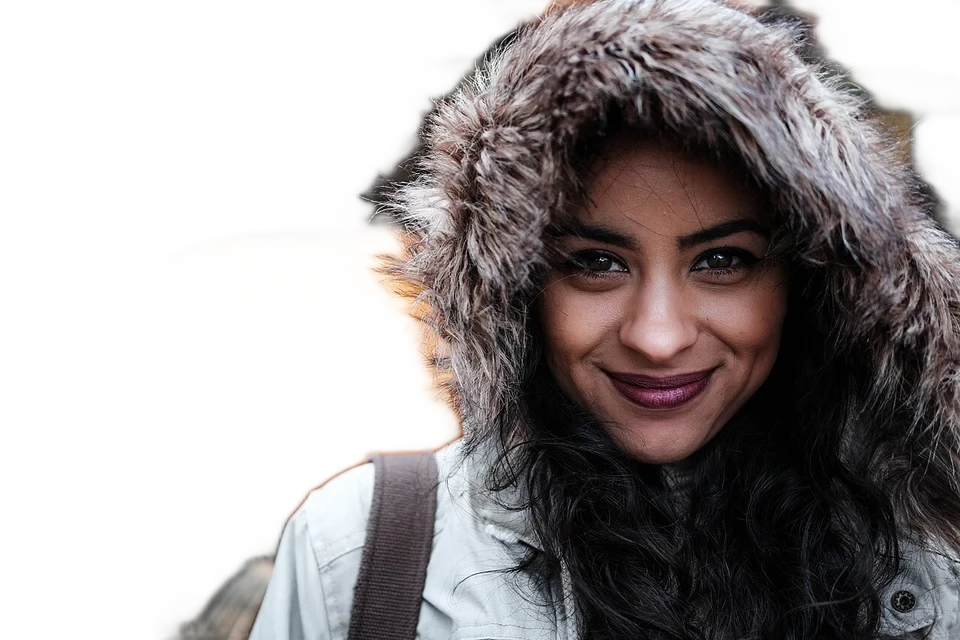
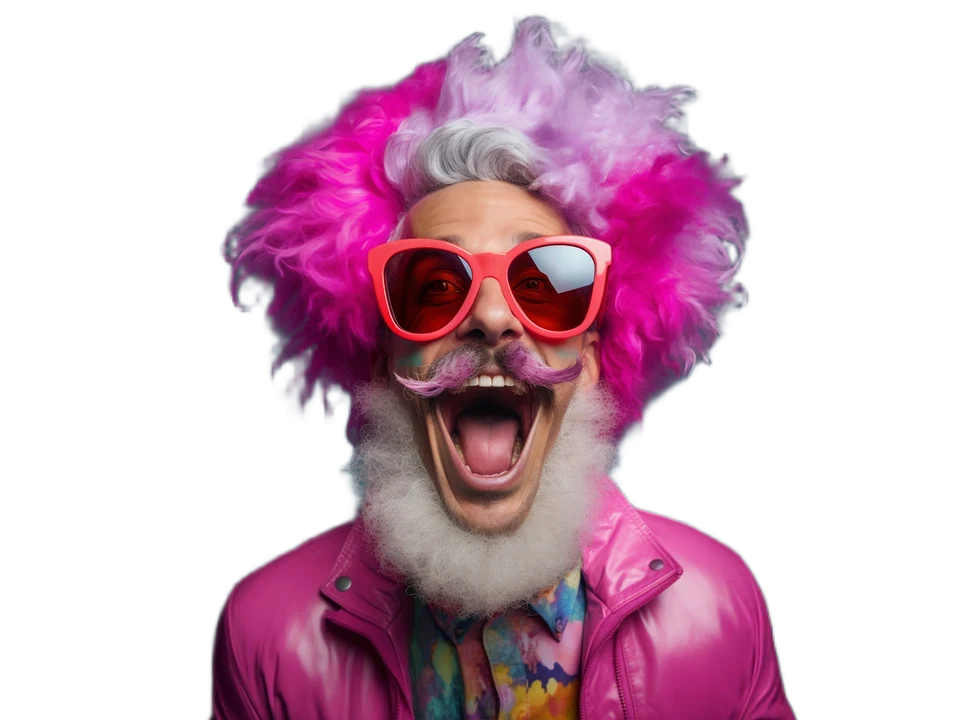
Fur & Complex Edges — RemoveFree — Transparent PNG
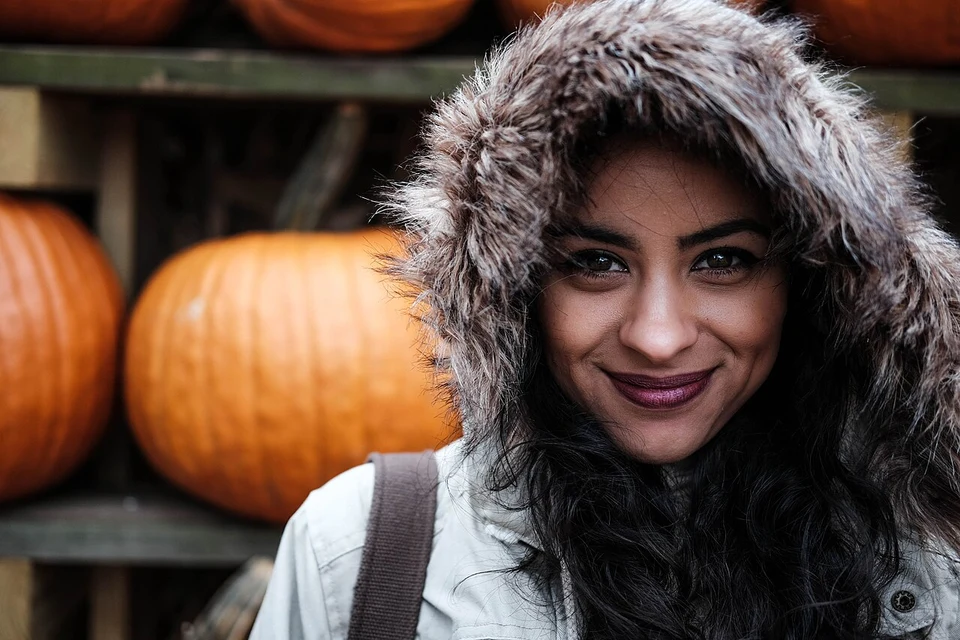
Fur & Complex Edges — RemoveFree — Original
OriginalTransparent PNGDrag slider to compare
Background preview:
01 · Full-Resolution Hair & Edges

Preserve fine hair and exact original W×H dimensions

Adaptive full-resolution cutout refinement isolates stray curls, jacket collars, and delicate edges while exporting at your photo's exact original pixel dimensions — with no 0.25 MP preview cap and no 10 MP limit.

02 · Pixel-Level Brush Control

Manual Erase & Restore brushes at 200% zoom with Undo/Redo

Zoom right into tricky strands, glasses frames, or background gaps at up to 200% magnification. Paint back subtle curls or clean up stray fragments with soft Erase and Restore brushes backed by full Undo/Redo history.

03 · No Green Screen Required

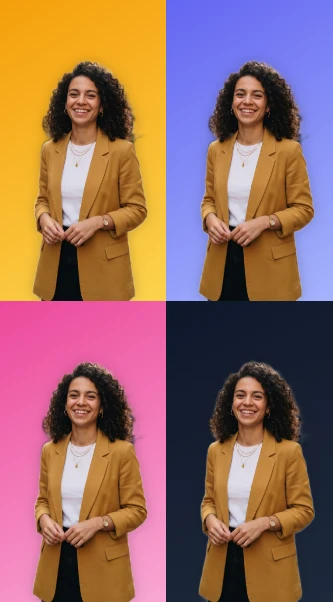
Shoot on location — swap to studio backdrops in one click

Leave portable muslin and green-screen rigs behind. Cut out street, outdoor, or event portraits cleanly and export transparent PNGs, pure #FFFFFF headshots, solid brand colors, or studio gradients.

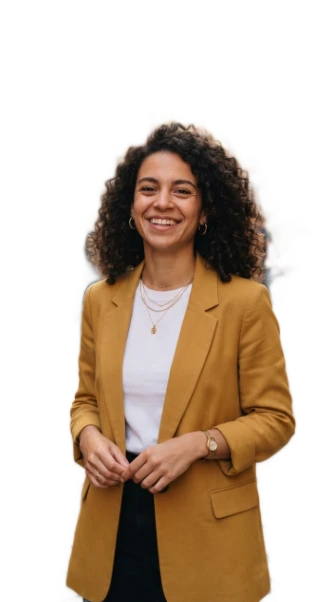
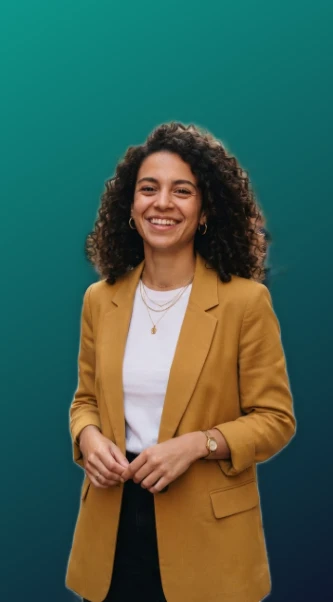
One location portrait, endless studio backdrops

Original Location Shot
Transparent PNG
Transparent PNG
Studio Backdrop
Studio Backdrop
Editorial Color Variants
04 · Sequential Shoot Queue

Process whole client shoots in Batch and export one ZIP

Drop a folder of exported JPG, PNG, WebP, or AVIF selects from Lightroom or Capture One into Batch Mode. Track per-frame status, open any individual portrait in Studio for brush touch-up, and download one ZIP with MANIFEST.txt.

05 · Client Confidentiality

Zero persistent storage — client photos wiped immediately

Commercial campaigns, school portraits, and private client sessions are processed purely in temporary memory and deleted as soon as your image is ready. No accounts, no galleries, and no cloud retention policies to worry about.

See our 50-photo accuracy benchmark
Temporary Zero-Retention Privacy0 B RETAINED

How RemoveFree protects unreleased client shoots

1. Encrypted Secure Transfer

JPG, PNG, WebP, or AVIF photos open in temporary memory — never saved to disk.

2. High-Precision Cutout

Our dedicated studio servers isolate hair and fine contours cleanly without manual settings.

3. Instant Wipe & Export

Download exact W×H transparent PNGs or ZIP while your photo is deleted from our servers immediately.

Zero disk writes, zero accounts, zero client filenames logged, and zero AI training.

0 B Saved

Zero Disk Storage

Unreleased client portraits are processed in temporary memory and deleted as soon as your image is ready.

1:1 W×H

Untouched Original Pixels

Smooth high-resolution edges preserve your subject's original colors with no 0.25 MP cap.

Free License

Commercial-Ready AI

High-precision edge and hair cutout runs on dedicated servers with zero per-image fees.

Try RemoveFree for Photographers right now

Drop exported JPG, PNG, WebP, or AVIF frames below — or test a portrait sample right in Studio.

or drag & drop PNG, JPG, WebP, AVIF (Ctrl+V paste supported)

Or try an instant sample:
People — RemoveFree — Transparent PNG
People — RemoveFree — Original
OriginalTransparent PNGDrag slider to compare
Background preview:
Free & UnlimitedOriginal Resolution (W×H)No Signup or WatermarkDeleted Immediately After Cutout

Built for real photography workflows — without plugins or subscriptions

Export your edited selects from Lightroom, Capture One, or any camera workflow as JPG, PNG, WebP, or AVIF, then drop them straight into RemoveFree. You keep full original resolution with untouched subject colors.

Because files exist strictly in temporary server memory only during cutout and are deleted immediately as soon as your image is ready, unreleased client portraits and commercial shoots are never persisted anywhere.

Frequently Asked Questions

Does RemoveFree process RAW files (CR3, NEF, ARW, DNG)?

No. RemoveFree does not decode camera RAW files directly — export your selects as JPG, PNG, WebP, or AVIF first, and RemoveFree will process and export them at full original W×H resolution.

Are my clients' photos stored on a server?

Never. Images are handled purely in temporary memory to create your cutout and deleted from our servers as soon as your image is ready (zero disk persistence, zero logs, zero training).

Do I need a Photoshop plugin or an account?

No plugins, no installers, and no account or signup are required. Open the page in your browser and export immediately.

Can I refine hair or fine edges manually after the AI cutout?

Yes. Use the built-in Erase and Restore brushes with up to 200% zoom and full Undo/Redo to touch up any pixel-level detail.

Can I process a batch of shoot photos at once?

Yes. Switch to Batch mode to process multiple photos cleanly in order on our servers with immediate deletion, inspect each result, open any frame in Studio if needed, and download all full-resolution PNGs in a single ZIP.