






RemoveFree
Migration Guide · December 1, 2026 Shutdown

remove.bg Shutdown Guide: What to Do Before Dec 1, 2026

Dated facts from remove.bg's official FAQ, your pre-December 1 checklist for credits and invoices, and how to switch to RemoveFree in 3 steps.

Closes Dec 1, 2026 at 09:00 CETDownload invoices & use PAYG credits before cutoff3-step free switch — no signup, instant server deletion
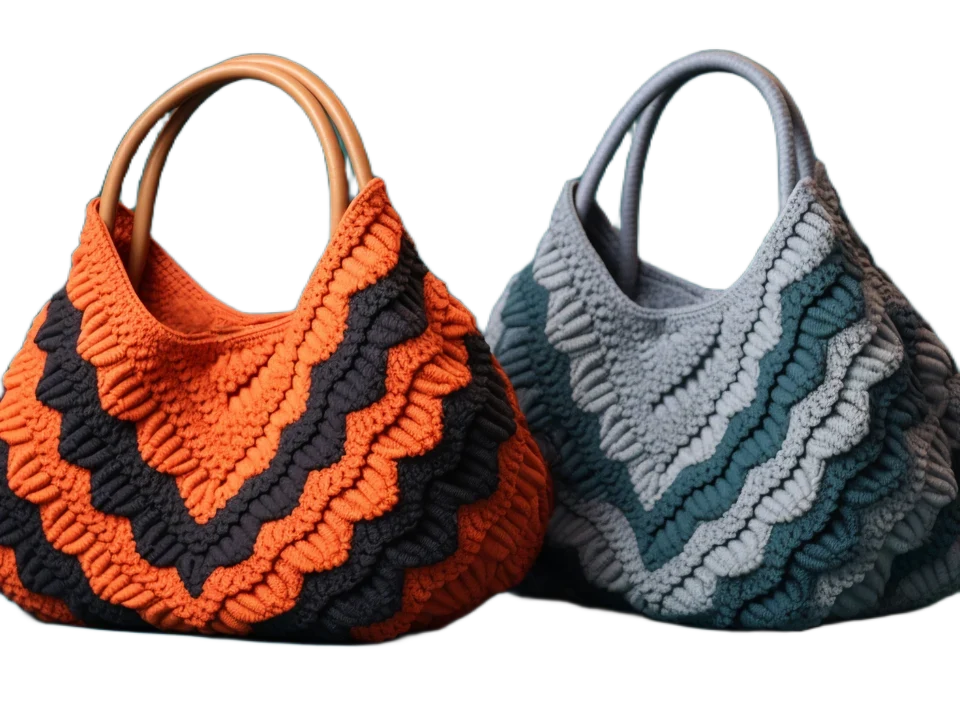
Sale Bags Promo — RemoveFree — Transparent PNG
Sale Bags Promo — RemoveFree — Original
OriginalTransparent PNGDrag slider to compare
Background preview:
DROP-IN BATCH WORKFLOW

Bring your web and bulk folder habits without buying a Canva seat

Process multiple photos smoothly into one downloadable ZIP with MANIFEST.txt — ideal for teams replacing the remove.bg web uploader and desktop app before Dec 1, 2026.

NO 10 MP CAP

Keep original W×H pixels across portraits, SKUs, and vehicles

Unlike Canva's paid 10 MP ceiling or low-res free previews, RemoveFree exports true original pixel dimensions cleanly at full resolution.

Every standalone workflow you need after December 1, 2026

Zero Credit Fees PNG
Catalog Handbags
Catalog Handbags
Family Brothers PNG
Family Brothers PNG
Dealer SUV Cutout
Dealer SUV Cutout
ZERO MIGRATION FRICTION

Zero accounts, zero credit expiry, immediate deletion

Bookmark removefree.app — no subscription renewal or cloud storage cleanups required.

Inspect Quality & Licenses
Zero-Storage Temporary Processing0 B RETAINED

Confidential images are deleted as soon as your image is ready

1. Encrypted Transfer

Your photo travels securely over HTTPS into temporary memory with zero disk writes or filename logs.

2. High-Precision Cutout

Our dedicated servers separate fine hair, edges, and delicate textures automatically in seconds.

3. Instant Delete & Export

Your full-resolution PNG returns to your browser while your photo is deleted from our servers immediately.

Zero image bytes written to disk, zero accounts, and zero AI training on your files.

Auto-Delete

Deleted as soon as your image is ready

Images process strictly in temporary memory and are deleted immediately — never stored or reused.

100% W×H

Original resolution preserved

Exports full-size transparent PNG or WebP files — never capped to 0.25 MP previews.

Free License

Studio-precision cutout

Automatic high-resolution hair and edge separation with clean commercial licensing.

Practice the 3-step switch right in this studio

After backing up your remove.bg invoices and spending remaining PAYG credits before Dec 1, 2026, drop your assets here at full W×H.

or drag & drop PNG, JPG, WebP, AVIF (Ctrl+V paste supported)

Or try an instant sample:
People — RemoveFree — Transparent PNG
People — RemoveFree — Original
OriginalTransparent PNGDrag slider to compare
Background preview:
Free & UnlimitedOriginal Resolution (W×H)No Signup or WatermarkDeleted Immediately After Cutout

The Dated Facts From remove.bg's Official FAQ

The standalone remove.bg website permanently closes on December 1, 2026 at 09:00 CET.

The web background removal tool moves into Canva as a paid-only feature with output capped at 10 MP, while the self-serve API transitions to Leonardo.ai.

Unused Pay-As-You-Go (PAYG) credits expire on shutdown with no refund, whereas annual subscriptions are refunded pro-rata for the remaining unused period. Both the remove.bg Photoshop plugin and desktop app also stop working.

Your "Before December 1" Checklist

1. Use your remaining PAYG credits: spend any leftover Pay-As-You-Go balance before December 1, 2026 at 09:00 CET, because unused PAYG credits expire with no refund.

2. Download your invoices and usage reports: account history, tax invoices, and usage reports are only available before December 1, so export every receipt you need for accounting now.

3. Note the refund rule: only annual subscriptions receive a pro-rata refund; PAYG credit packs are non-refundable after shutdown.

The 3-Step Switch to RemoveFree

1. Open the tool: launch RemoveFree directly above on this page or from the homepage — no account, no Canva subscription, and no setup.

2. Drop your image: drag and drop, pick a file, or paste with Ctrl+V (PNG, JPG, WebP, AVIF, single or Batch ZIP). Dedicated temporary processing removes the background and deletes your photo immediately once ready.

3. Download the full-resolution PNG: save your transparent cutout at original W×H pixel dimensions — completely free, with no signup and no 10 MP cap.

Frequently Asked Questions

Is remove.bg really closing?

Yes. According to remove.bg's official FAQ, the standalone remove.bg site closes on December 1, 2026 at 09:00 CET. Its web tool moves to Canva (paid-only, capped at 10 MP), its self-serve API moves to Leonardo.ai, and its Photoshop plugin and desktop app also stop.

What happens to my credits?

Unused Pay-As-You-Go (PAYG) credits expire on December 1, 2026 with no refund, so use them before the cutoff. Annual subscriptions are refunded pro-rata for unused time.

Can I still get my invoices after Dec 1?

No — invoices and usage reports are only available before December 1, 2026. Download all past invoices and usage exports from your remove.bg account before the shutdown.

What is the free alternative?

RemoveFree (removefree.app) is a free, standalone background remover preserving full original resolution and supporting Batch ZIP without watermarks or credits.

Does RemoveFree need an account?

No. RemoveFree requires zero signup, zero login, and zero credit cards, and images are deleted from our servers as soon as your image is ready.