RemoveFree
Independent Alternative · Dec 1, 2026 Transition

The Free, Standalone Alternative to remove.bg

Keep a dedicated, zero-signup background remover without migrating to Canva Pro, creating an Adobe account, or losing HD resolution.

No account or Canva/Adobe login requiredTrue original W×H PNG & WebP — zero 0.25 MP preview trapHigh-precision cutouts + Batch ZIP + instant deletion
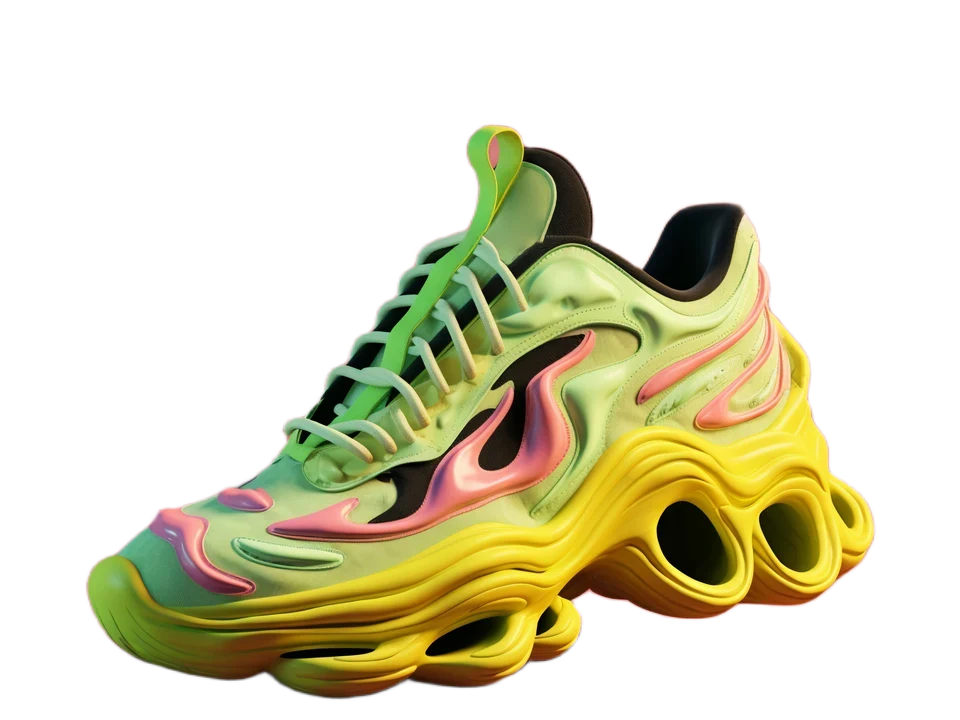
Concept Sneaker — RemoveFree — Transparent PNG
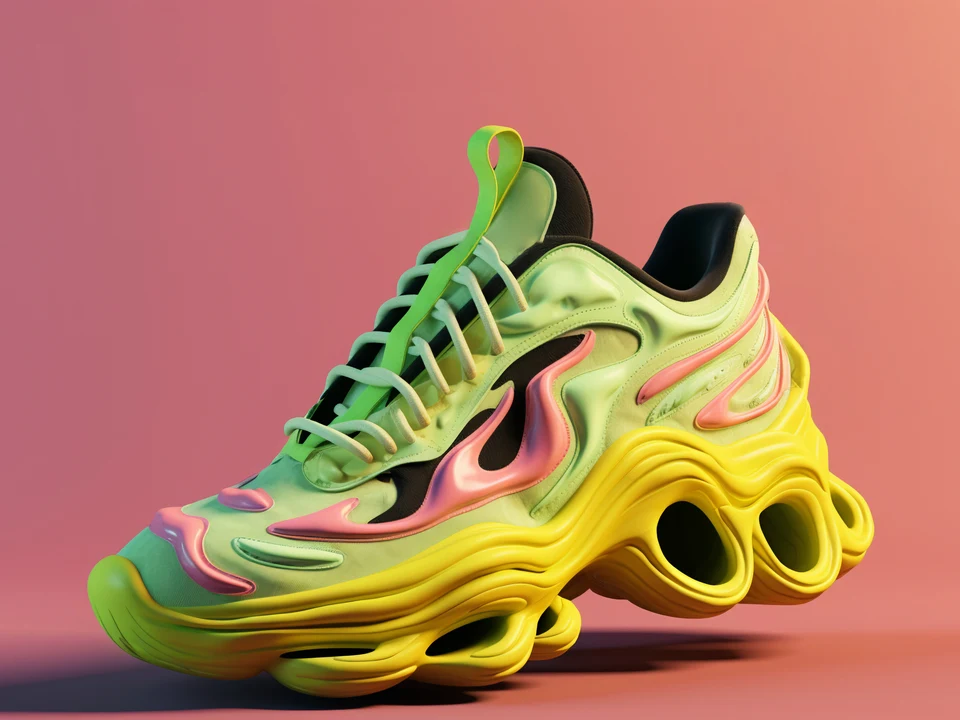
Concept Sneaker — RemoveFree — Original
OriginalTransparent PNGDrag slider to compare
Background preview:
NO CANVA PRO REQUIRED

Pure #FFFFFF & 1:1 product exports without the design-suite bloat

While standalone remove.bg folds into paid Canva on December 1, 2026, RemoveFree keeps a fast, distraction-free studio dedicated purely to background removal.

TRUE ORIGINAL W×H

No 0.25 MP preview trap — download full transparent PNGs

Drop your file for automatic full-resolution edge cutout, tweak edges with Restore/Erase brushes at 200% zoom, and export untouched original pixels.

HONEST SCOPE

Ephemeral server privacy (no public paid REST API)

RemoveFree offers a fast web studio and sequential Batch ZIP workflow with immediate memory deletion rather than a commercial HTTP API (remove.bg directs API users to Leonardo.ai).

Inspect Pipeline & Speeds
Zero-Storage Temporary Processing0 B RETAINED

Standalone, zero-login studio vs mandatory cloud suite migrations

1. Encrypted Transfer

Your photo travels securely over HTTPS into temporary memory with zero disk writes or filename logs.

2. High-Precision Cutout

Our dedicated servers separate fine hair, edges, and delicate textures automatically in seconds.

3. Instant Delete & Export

Your full-resolution PNG returns to your browser while your photo is deleted from our servers immediately.

Zero image bytes written to disk, zero accounts, and zero AI training on your files.

Auto-Delete

Deleted as soon as your image is ready

Images process strictly in temporary memory and are deleted immediately — never stored or reused.

100% W×H

Original resolution preserved

Exports full-size transparent PNG or WebP files — never capped to 0.25 MP previews.

Free License

Studio-precision cutout

Automatic high-resolution hair and edge separation with clean commercial licensing.

Keep a dedicated 1-tab cutout studio after Dec 1, 2026

Built for former remove.bg users who want fast full-res PNGs, Pure #FFFFFF, and Batch ZIP without migrating into Canva Pro.

or drag & drop PNG, JPG, WebP, AVIF (Ctrl+V paste supported)

Or try an instant sample:
Products — RemoveFree — Transparent PNG
Products — RemoveFree — Original
OriginalTransparent PNGDrag slider to compare
Background preview:
Free & UnlimitedOriginal Resolution (W×H)No Signup or WatermarkDeleted Immediately After Cutout

Honest Comparison: RemoveFree vs remove.bg, Canva, Adobe Express & Photoroom

How RemoveFree compares on the exact workflows standalone remove.bg users rely on (verified Nov 2026).

Feature / NeedRemoveFreeremove.bg (until Dec 1, 2026)CanvaAdobe ExpressPhotoroom (Web Free)
Standalone availabilityIndependent web studio, activeCloses Dec 1, 2026 (9:00 CET) into CanvaInside full Canva design suiteCloud web toolCloud web & mobile app
Account / Login requiredNone — instant useRequired for HD / PAYG creditsMandatory Canva account + Canva ProFree Adobe login required to downloadAccount & plan gates for bulk/HD
Free download resolutionOriginal W×H pixels (free & unlimited)Free tier capped to ~0.25 MP previewRequires Canva Pro subscriptionHigh resolution after sign-inCompressed / watermarked on free bulk
Hair, portraits & productsStudio-grade cutouts + detail zoom + BrushesStrong automated cloud cutoutStrong cloud cutout (Pro)Strong Firefly edge detectionStrong e-commerce product cutouts
Image privacyTemporary memory — deleted immediately, 0 disk storageUploaded to cloud serversUploaded to cloud serversUploaded to Adobe cloudUploaded to cloud servers

Honest trade-off: RemoveFree processes images on our dedicated servers one by one in order (deleted immediately as soon as each image is ready) rather than paid API tiers, and RemoveFree does not replace a developer REST API (self-serve remove.bg API users are redirected by remove.bg to Leonardo.ai).

What changes on December 1, 2026 — and how to keep a fast workflow

remove.bg has announced that its standalone website, web app, and self-service tools will permanently close on December 1, 2026 at 9:00 AM CET, folding into Canva while self-serve API users are directed to Leonardo.ai and unused Pay-As-You-Go credits expire.

If you only want to drop an image, strip the background, refine tricky hair or product edges, and export a transparent full-resolution PNG without paying for Canva Pro or logging into Adobe Express, RemoveFree gives you a dedicated studio in one tab.

Switch before December 1, 2026 in 3 steps

1. Use any remaining remove.bg Pay-As-You-Go credits before they expire on December 1, 2026 (9:00 AM CET).

2. Drop the same photo into RemoveFree — or drop a whole product folder into Batch mode.

3. Download the full-resolution transparent PNG (or Batch ZIP) immediately, with no account and no credits.

Built for hair, portraits, e-commerce products & original PNG transparency

Every upload automatically isolates hair, fine details, bright objects, and multi-panel scenes cleanly without switching modes.

Every export keeps your original width, height, and true colors intact with clean transparency, plus 1:1 E-Commerce centered square export, pure #FFFFFF backdrops, manual Erase/Restore brushes, and multi-photo Batch ZIP.

Frequently Asked Questions

When does standalone remove.bg shut down?

remove.bg announced that its standalone website and self-service web app close on December 1, 2026 at 9:00 AM CET, folding into Canva. RemoveFree is an independent alternative with no affiliation to remove.bg, Kaleido AI, or Canva.

Do I need an account or credit card for HD PNG downloads on RemoveFree?

No. RemoveFree has no accounts, no credits, no watermarks, and exports transparent PNGs at your image's exact original pixel dimensions.

How does RemoveFree compare to Canva and Adobe Express?

Canva's Background Remover requires a Canva Pro subscription inside its full design editor, and Adobe Express requires an Adobe account login before downloading. RemoveFree works instantly with zero login and deletes photos from our servers as soon as your image is ready.

How does RemoveFree handle hair, fur, and tricky product edges?

RemoveFree automatically refines hair strands, fur, and delicate details on every photo, and includes 200% zoom Erase/Restore brushes in your browser for final touch-ups.

What happens to unused remove.bg credits and API users on December 1, 2026?

Per remove.bg's official FAQ, unused Pay-As-You-Go credits expire on December 1, 2026, self-serve API users are directed to Leonardo.ai, and Enterprise API contracts are not affected. RemoveFree focuses on its free standalone single & batch web studio with immediate server deletion.

Does RemoveFree offer a remote HTTP API like remove.bg?

No. RemoveFree is built as a free standalone web and batch studio for creators and teams rather than a commercial developer API (remove.bg directs self-serve API users to Leonardo.ai).