

RemoveFree
Canva Free Workflow · No Canva Pro

Remove a Background for Canva for Free (No Canva Pro Needed)

Cut out any image in RemoveFree at full original resolution, download the transparent PNG, and drop it straight into Canva's free plan.

Works with Canva's free plan — no Canva ProFull original W×H PNG (no 10 MP cap)Zero signup, deleted immediately after cutout
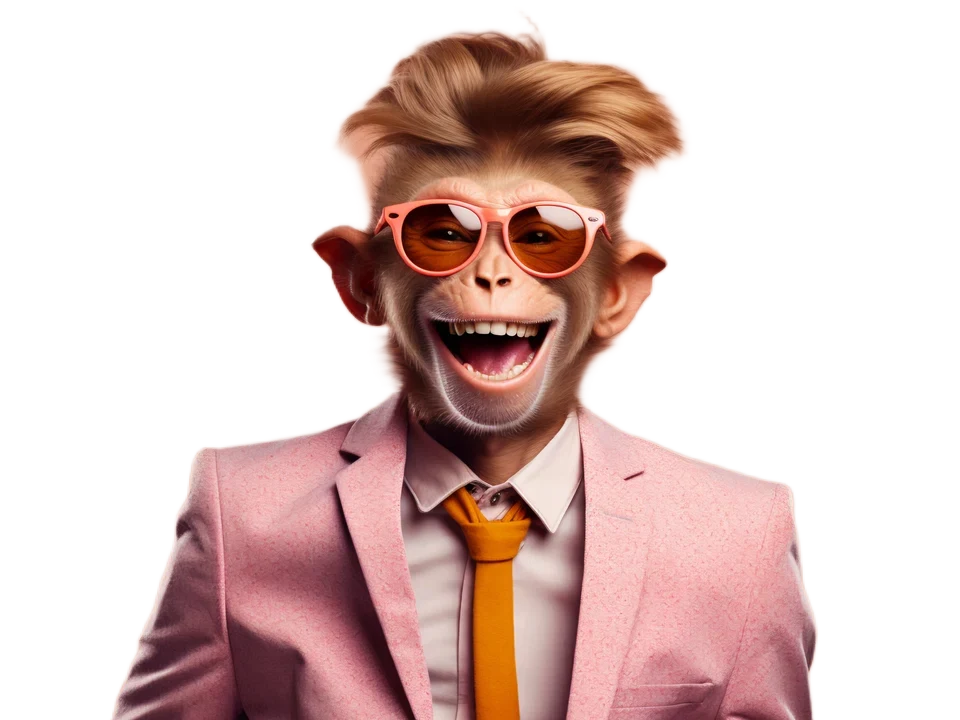
Pink Suit Monkey — RemoveFree — Transparent PNG
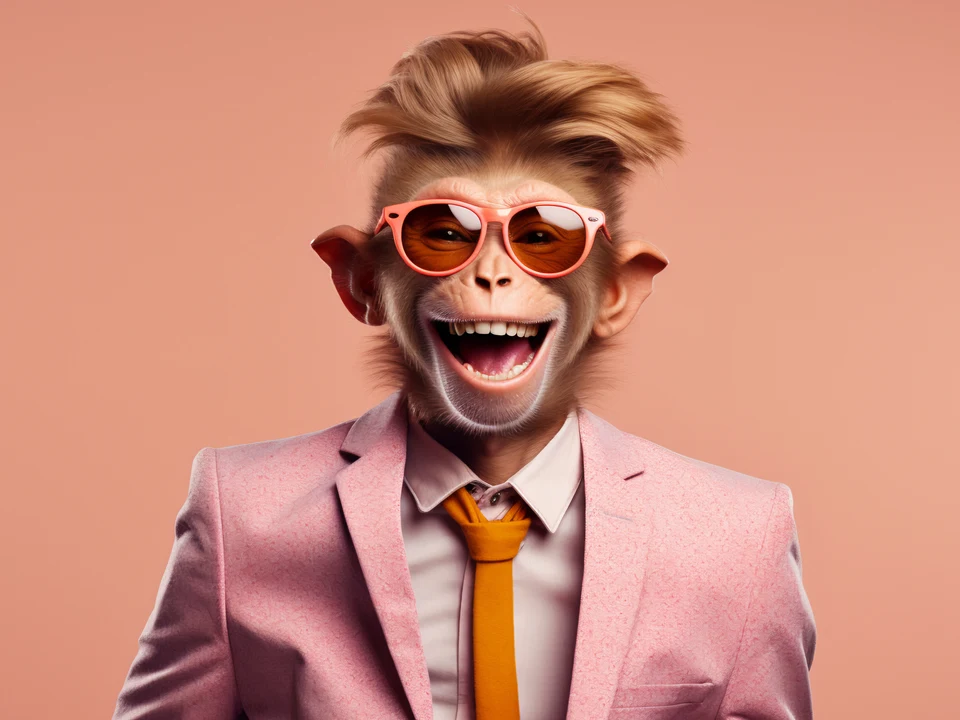
Pink Suit Monkey — RemoveFree — Original
OriginalTransparent PNGDrag slider to compare
Background preview:
WORKS WITH CANVA FREE

30-second transparent PNG cutout — zero Canva Pro paywall

Strip busy backgrounds here in full W×H resolution, refine any tiny corner with Restore/Erase brushes, and drop the true alpha PNG directly into Canva Uploads.

NO 10 MP CAP

Cleaner layers for flyers, Instagram posts, and Etsy banners

Bring sharp food, product, portrait, and sticker PNGs into any Canva layout without compression artifacts or upgrade prompts.

Zero-background PNG layers ready for any Canva Free template

Creator Selfie Layer
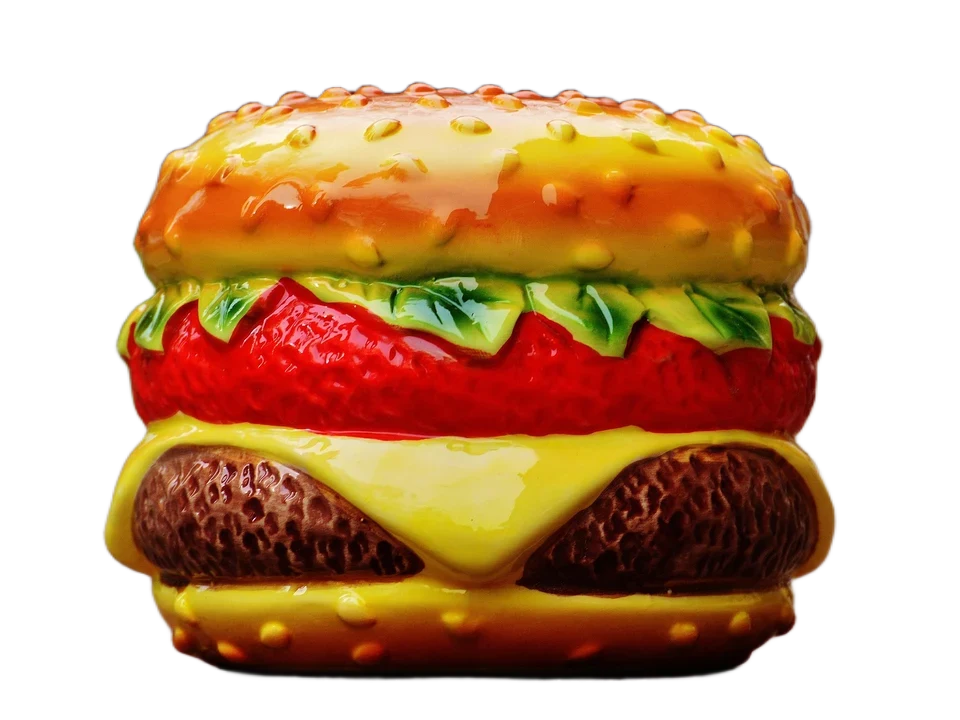
Food Sticker Layer
Food Sticker Layer
Sports Poster Cutout
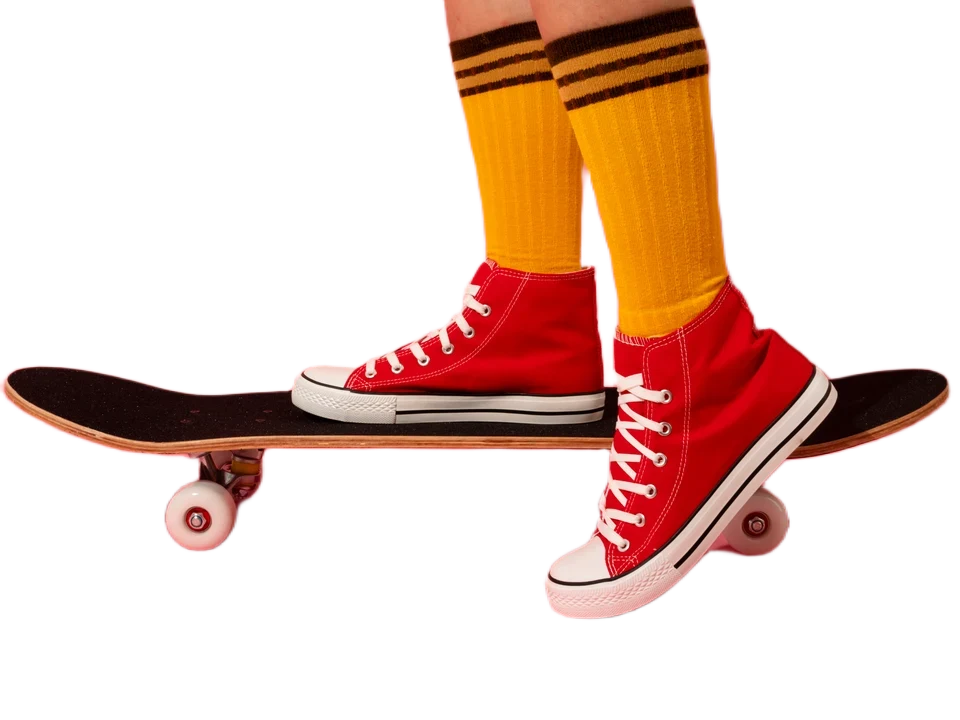
Skate Footwear Layer
PRIVATE & ZERO STORAGE

Client logos and drafts are never stored or archived

Your assets process only briefly, delete from our servers as soon as your image is ready, and only enter Canva when you choose to upload the result.

Inspect Quality & Licenses
Zero-Storage Temporary Processing0 B RETAINED

Confidential images are deleted as soon as your image is ready

1. Encrypted Transfer

Your photo travels securely over HTTPS into temporary memory with zero disk writes or filename logs.

2. High-Precision Cutout

Our dedicated servers separate fine hair, edges, and delicate textures automatically in seconds.

3. Instant Delete & Export

Your full-resolution PNG returns to your browser while your photo is deleted from our servers immediately.

Zero image bytes written to disk, zero accounts, and zero AI training on your files.

Auto-Delete

Deleted as soon as your image is ready

Images process strictly in temporary memory and are deleted immediately — never stored or reused.

100% W×H

Original resolution preserved

Exports full-size transparent PNG or WebP files — never capped to 0.25 MP previews.

Free License

Studio-precision cutout

Automatic high-resolution hair and edge separation with clean commercial licensing.

Create transparent PNGs, then upload straight into Canva Free

Canva's built-in Background Remover requires Canva Pro. Remove backgrounds free here and drag the full-res PNG into Canva.

or drag & drop PNG, JPG, WebP, AVIF (Ctrl+V paste supported)

Or try an instant sample:
Products — RemoveFree — Transparent PNG
Products — RemoveFree — Original
OriginalTransparent PNGDrag slider to compare
Background preview:
Free & UnlimitedOriginal Resolution (W×H)No Signup or WatermarkDeleted Immediately After Cutout

Why Canva's Built-In Background Remover Requires Canva Pro

Canva's own Background Remover tool is locked behind a paid Canva Pro subscription. If you use Canva's free plan, clicking Background Remover prompts you to upgrade.

In addition, remove.bg's standalone web tool moves into Canva on December 1, 2026 as that same paid Canva feature, with output capped at 10 MP.

The Free 3-Step Workflow for Canva

1. Remove the background in RemoveFree: drop, select, or paste (Ctrl+V) your photo into the studio above — free, no signup, and your photo is deleted from our servers as soon as your image is ready.

2. Download the transparent PNG at full original resolution: export your cutout at exact original W×H pixel dimensions with no watermark and no 10 MP cap.

3. Upload that PNG into Canva's free plan: in Canva, open Uploads → Upload files, select your transparent PNG, and drag it onto your design canvas.

Frequently Asked Questions

Is Canva's background remover free?

No. Canva's built-in Background Remover is a paid Canva Pro feature only. On December 1, 2026, remove.bg's web tool also moves into Canva as that same paid feature (capped at 10 MP).

Can I upload my own transparent PNG to Canva free?

Yes. Canva's free plan lets you upload your own transparent PNG files via Uploads and place them directly into any design with full transparency preserved.

Does the free workflow keep full resolution?

Yes. RemoveFree exports your transparent PNG at the original pixel width and height of your source image, with no 10 MP cap and no 0.25 MP preview restriction.

Do I need an account anywhere?

No account is needed on RemoveFree — you can remove backgrounds and download full-resolution PNGs immediately without signing up, and your images are deleted immediately after processing.